Purpose
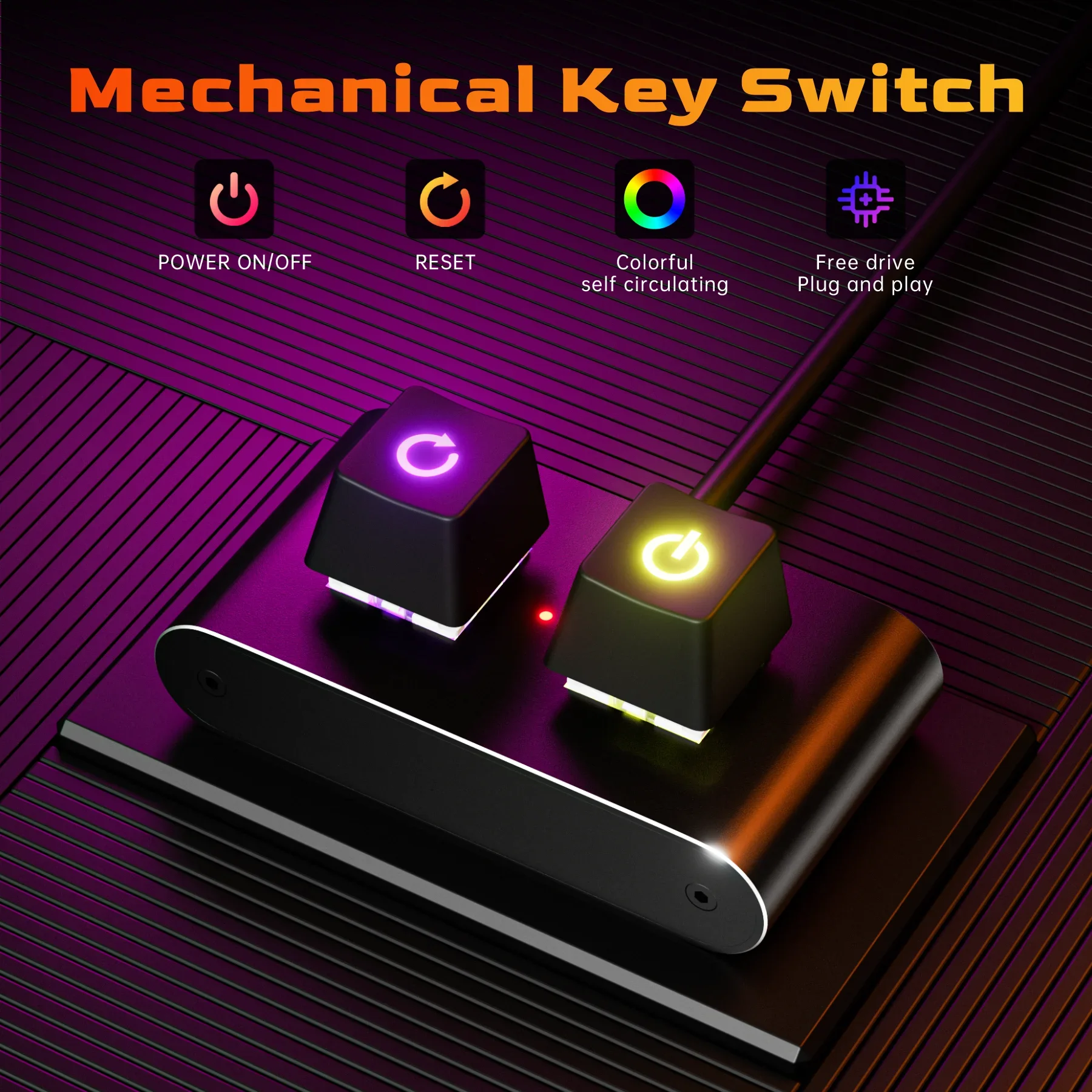
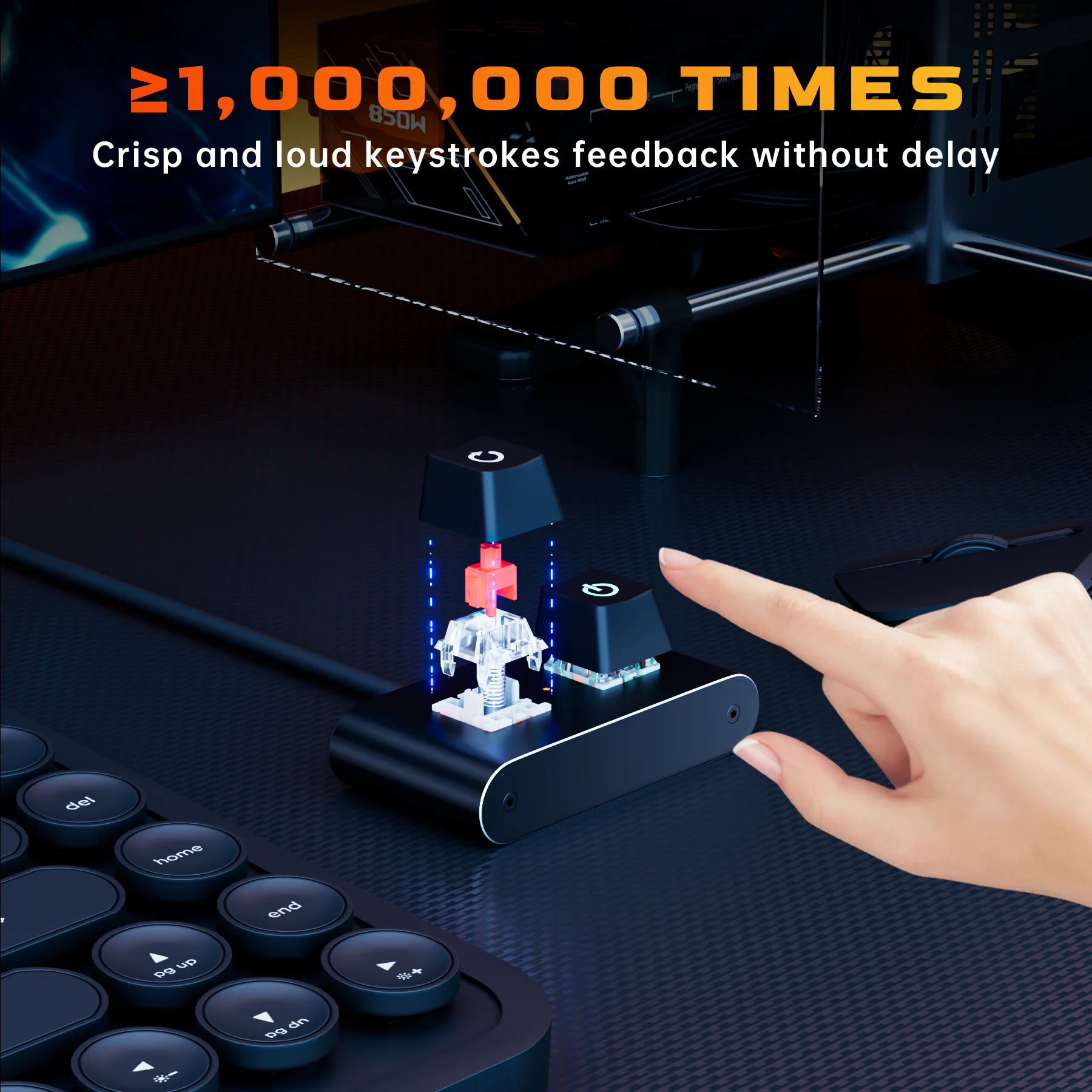
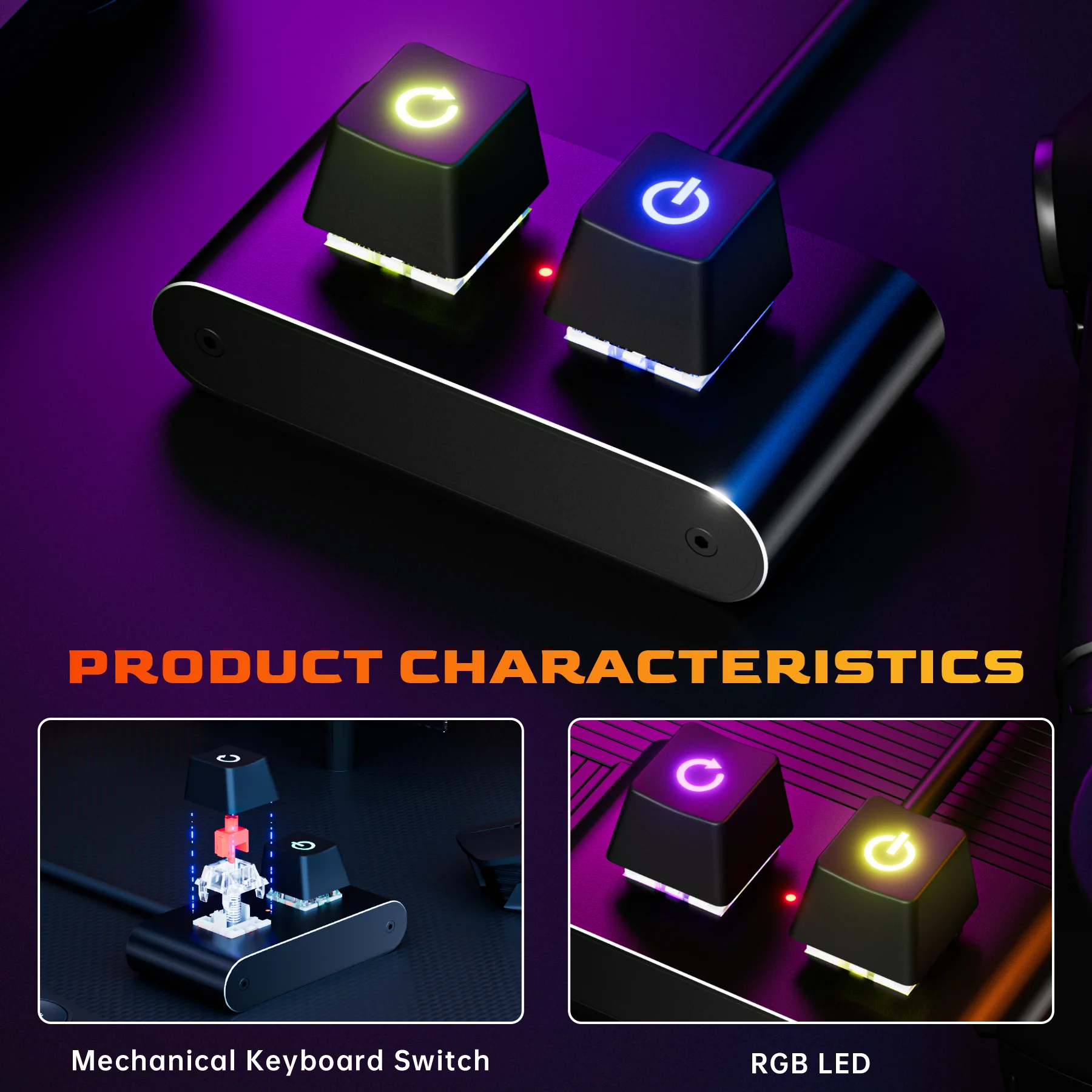
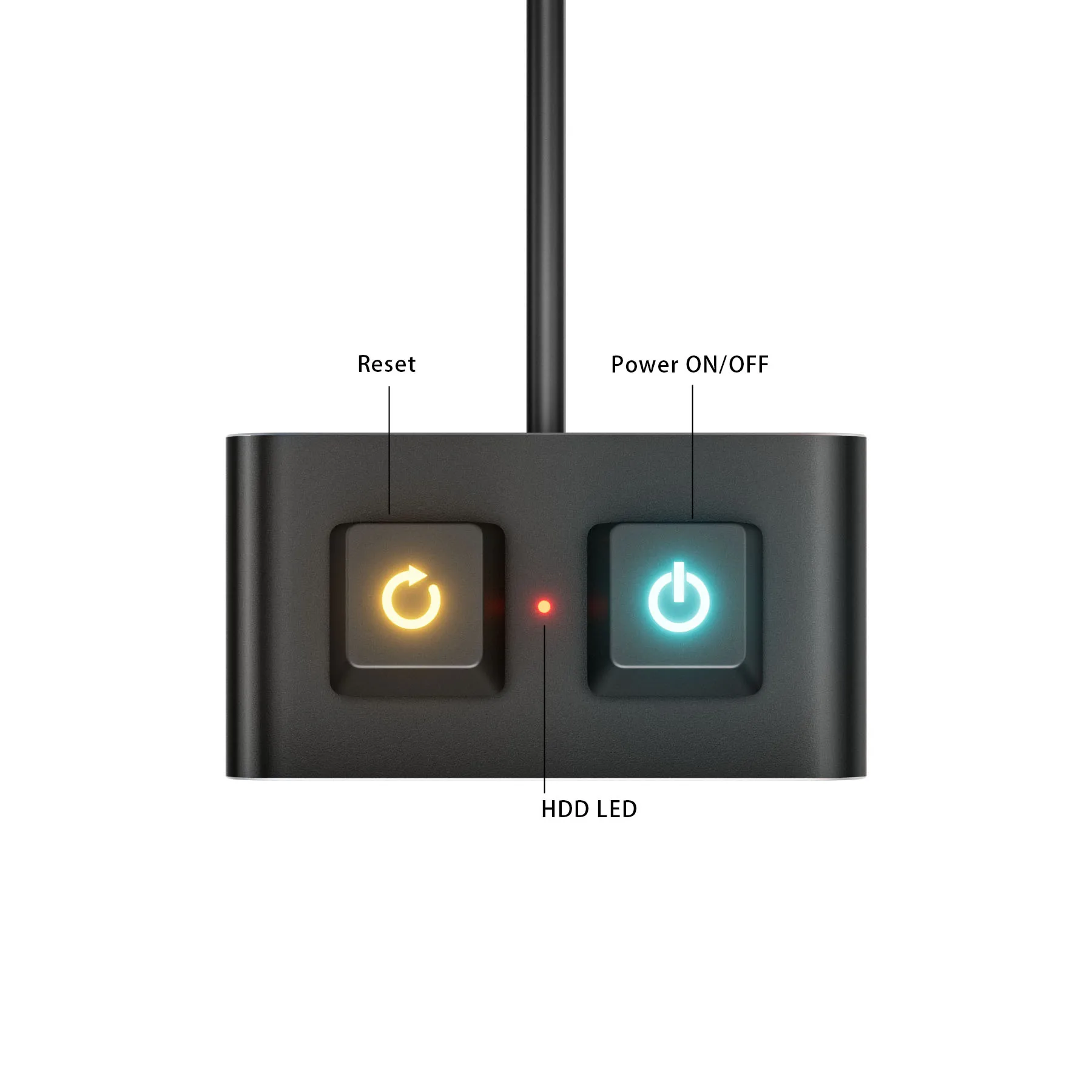
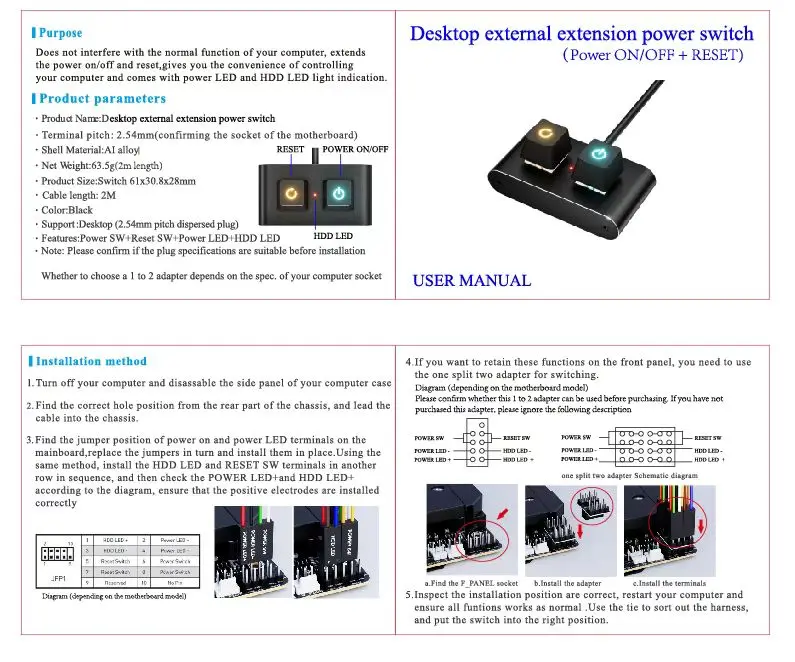
Does not interfere with the normal function of your computer, extends the power on/off and reset,gives you the convenienee of controlling your computer and comes with power LED and HDD LED light indication
Specification:
Produdt Name: Desktop external extension power switch
Terminal pitch: 2.54mm (confirming the socket of the motherboard)
Shell Material: AI alloy
Cable length: 2M
Color: Black
Support: Desktop (2.54mm pitch dispersed plug)
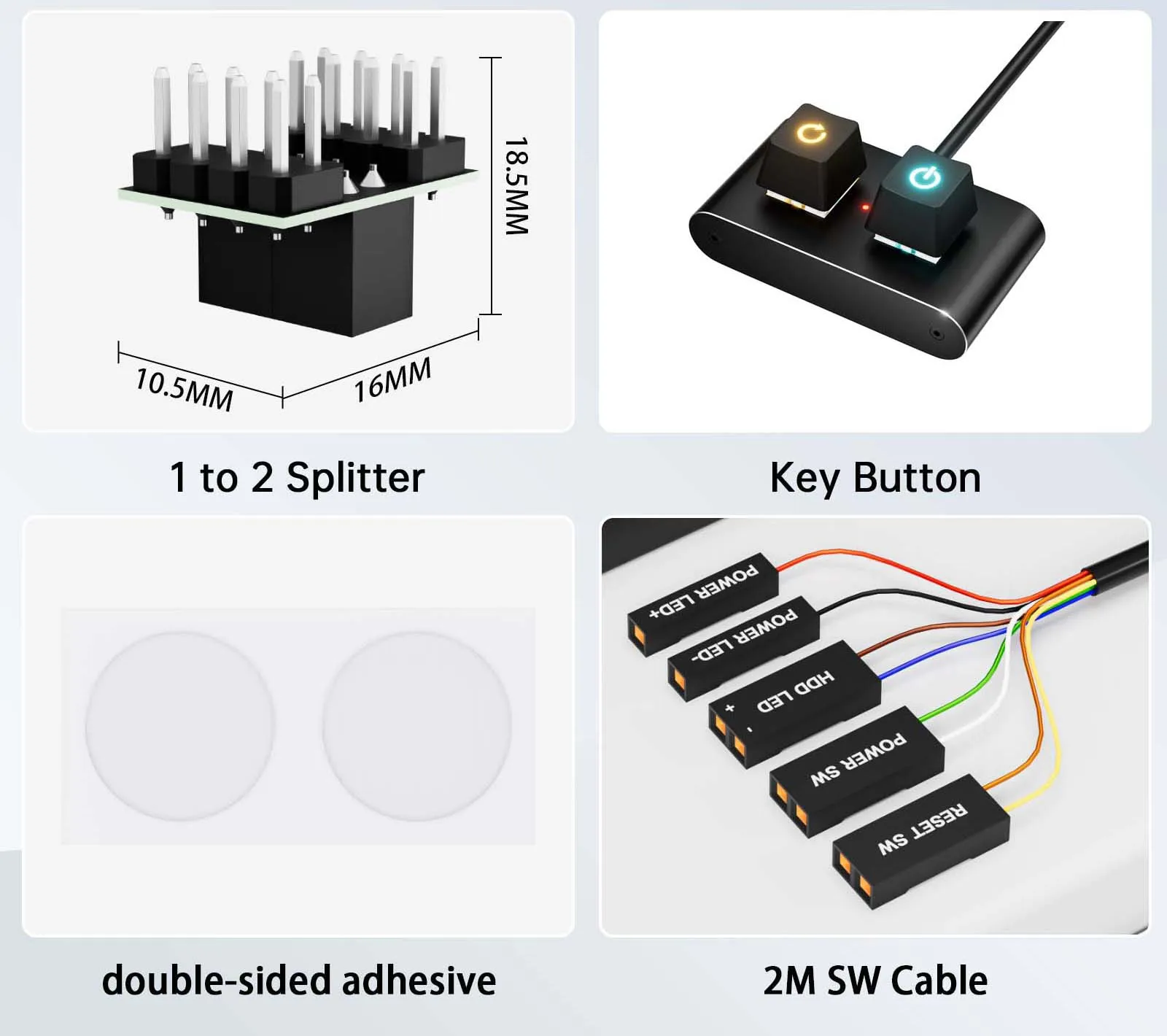
Features: Power SW+Reset SW+Power LED+HDD LED
Note: Please confirm if the plug specifications are suitable before installation. Whether to choose a 1 to 2 adapter depends on the spec, of your computer socket
Installations:
1. Turn off your computer and disassable the side panel of your computer case
2. Find the correct hole position from the rear part of thechassis, and lead the cable into the chassis.
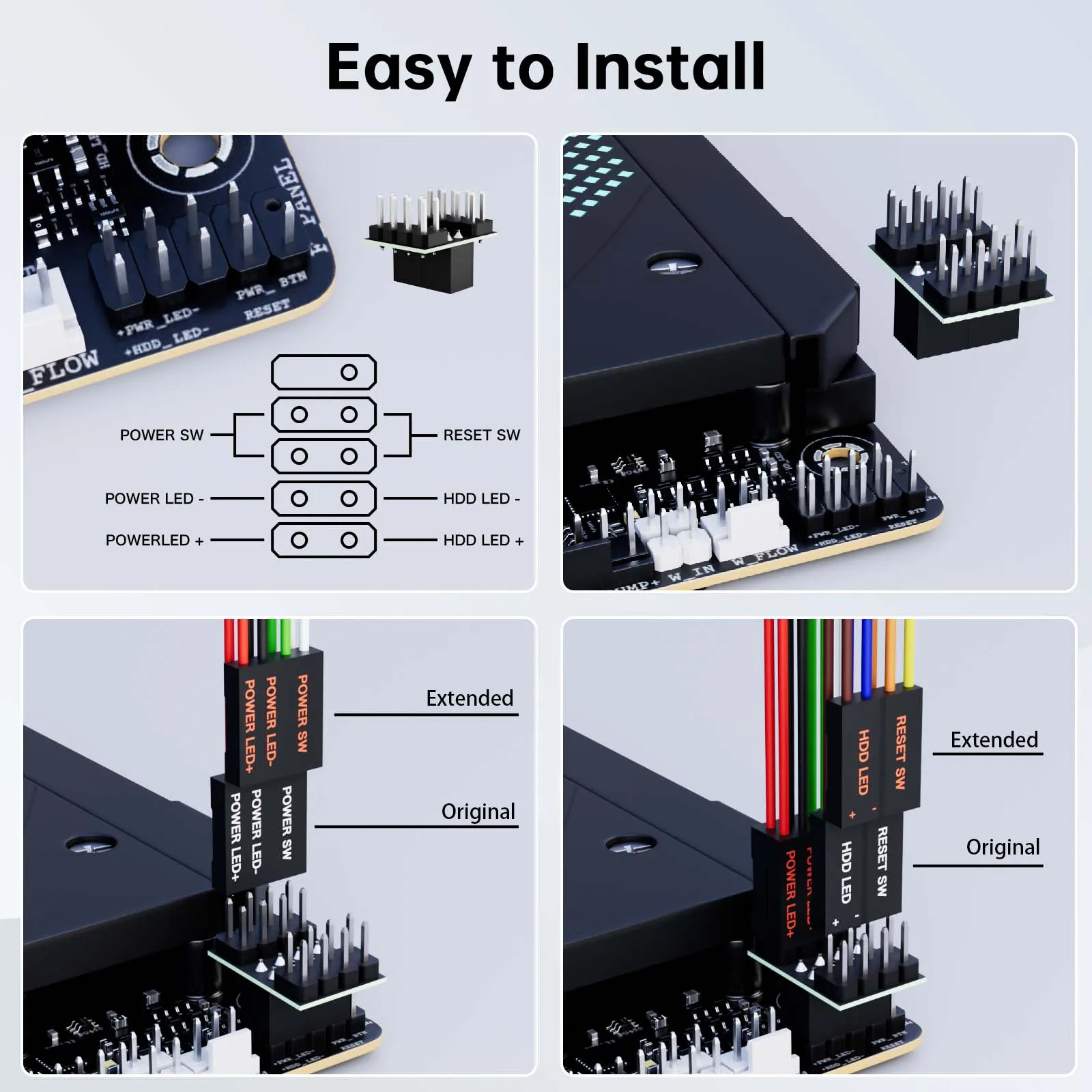
3. Find the jumper position of power on and power LED terminais on the mainboard,replace the jumpers in turn and install them in pl.ace. Using the same method, install the HDD LED and RESET SW terminals in another row in sequence, and then check the POWER LED+andHDD LED+ according to the diagram, ensure that the positive electrodesare installed correctly
4.If you want to retain these functions on the front panel,you need to use the one split two adapter for switching.
5.Inspect the installation position are correct, restart your computer and ensure all funtions works as normal .Use the tie to sort out the harness, and put the switch into the right position.